
Trades & manufacturing
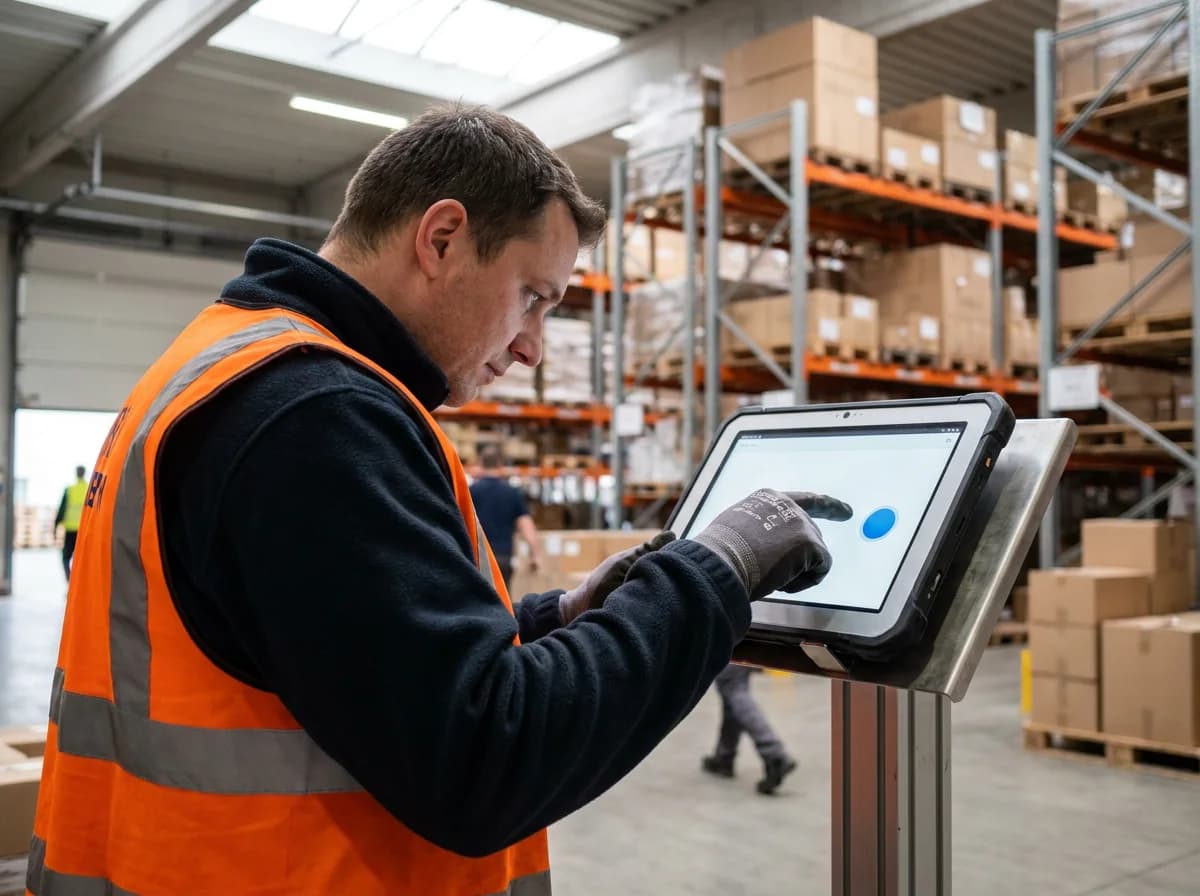
Tablet at the entrance, type the PIN, done. Workshop, assembly, or site are tracked as work areas.
Tablet time clockWork areas
Time tracking for teams that get things done
Time clock, absences, and hour balance in one clear app. In the browser, on the phone, or on a tablet on the wall.
Hosted in Germany
Hetzner servers in Nuremberg
GDPR compliant
Encrypted in transit, backed up daily
All features in every plan
No module kit, no add-ons
Free for up to 5 employees
Forever, not just for the trial
Every day
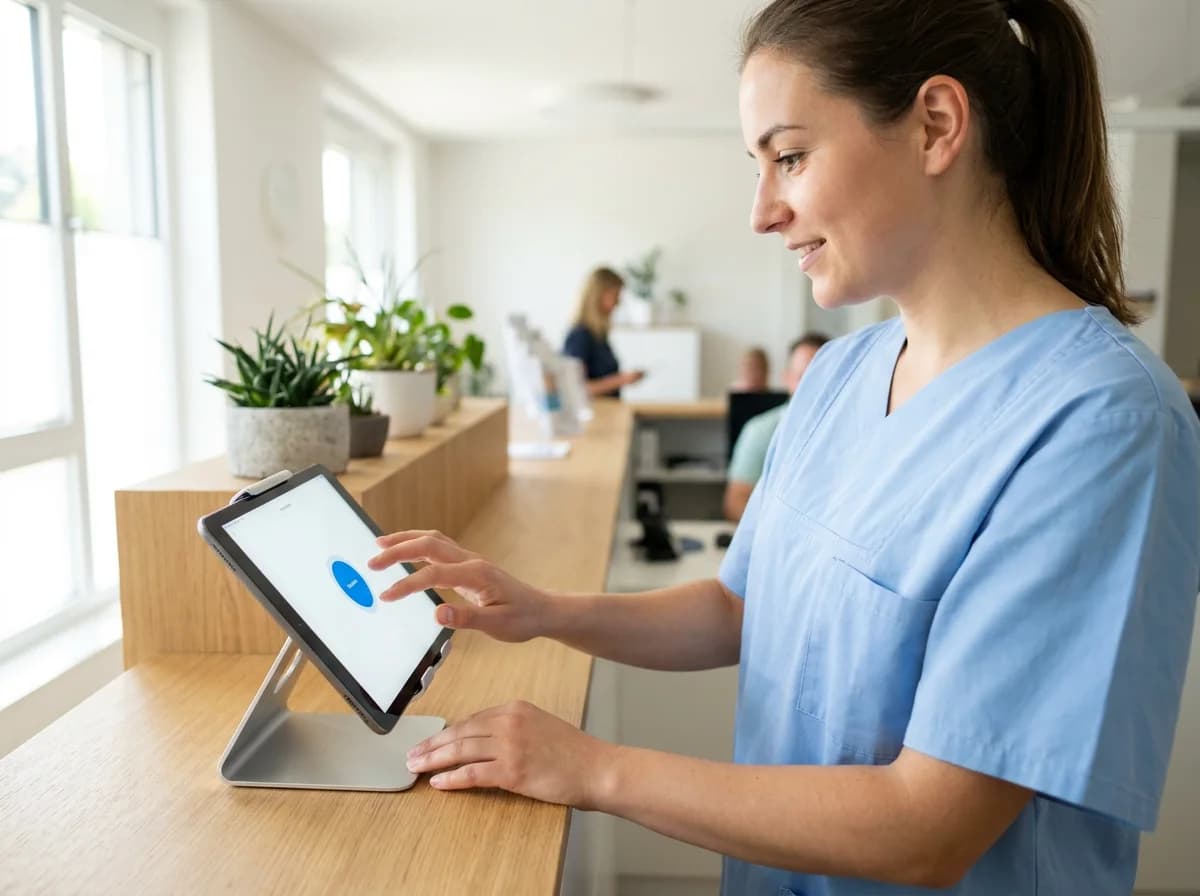
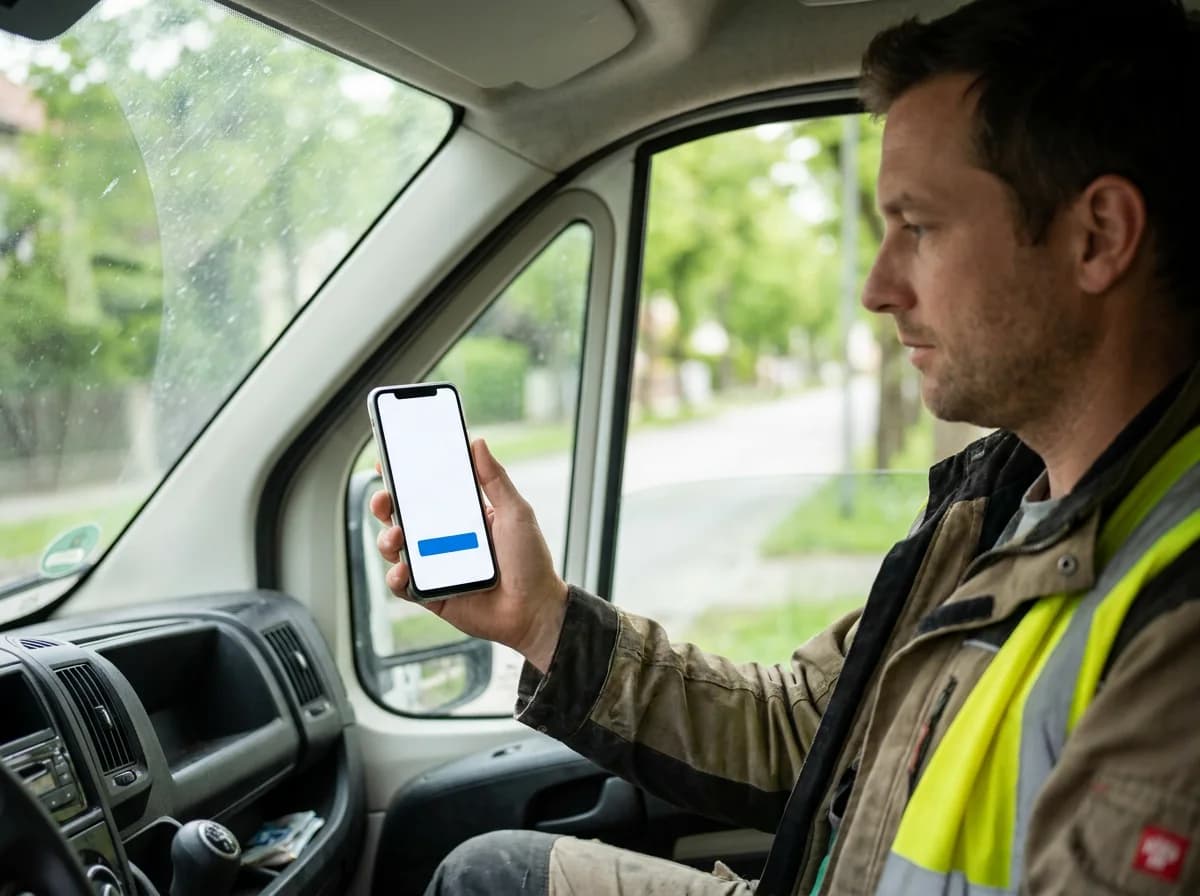
On the construction site by phone, at the practice on a tablet, on the road in the car, or in the office on a laptop: clocking in takes a few seconds, wherever you are.
One platform
Times, vacation, hour balance, and payroll export in one place. Less paper, fewer questions, less Excel.
Clock in, break, and clock out with one click, in the browser, on the phone, or on a tablet. Forgotten times go straight into the calendar.
Vacation, sick leave, and time off in lieu as requests. Approve with one click and see in the calendar who is away when.
Target, actual, and balance for every day, week, and month. Everyone sees their plus and minus hours right away.
One tablet at the entrance, everyone types their PIN. No app to install, on any iPad or Android tablet.
At month end, download the hours as an Excel file or in DATEV format and hand them to payroll.
Several sites with their own holidays and rules. You set roles and permissions for every employee.
Certondo in action
This is what Certondo really looks like. Pick an area and see how the workday runs with it.
Use the dots to change start and end.
Drag instead of type
Drag from start to end in the calendar, and the time is entered.
Breaks at a glance
Breaks are hatched, so you instantly see when people actually worked.
Hours above every day
Every day shows how many hours it was. The week adds up by itself.
Tablet time clock
For teams without their own PC: warehouse, workshop, kitchen, reception. Type your PIN, see your name, clock in.
Huber Bakery
Enter PIN
Try it: PIN 1 2 3 4
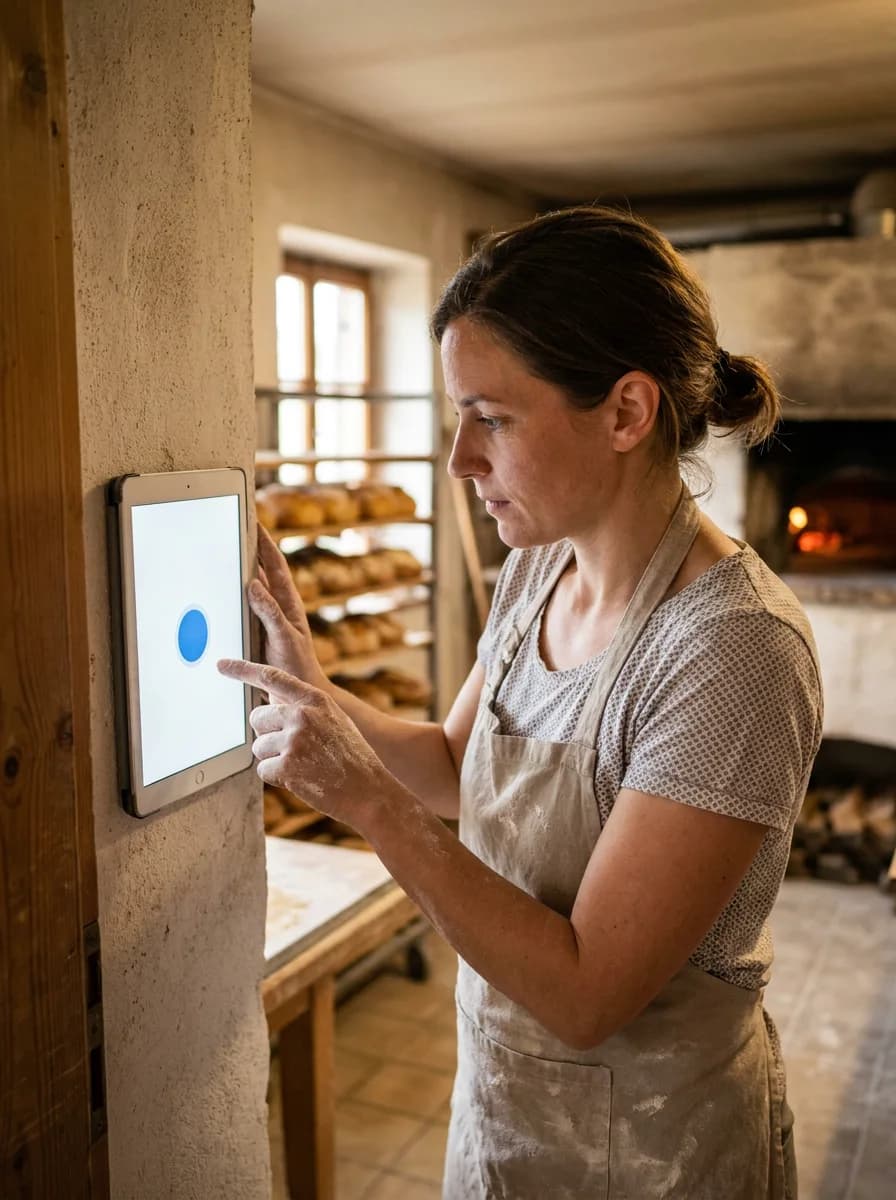
Built for businesses, not corporations
For teams where not everyone sits at a desk. Clocking in takes seconds, the admin stays in the office.
Tablet at the entrance, type the PIN, done. Workshop, assembly, or site are tracked as work areas.
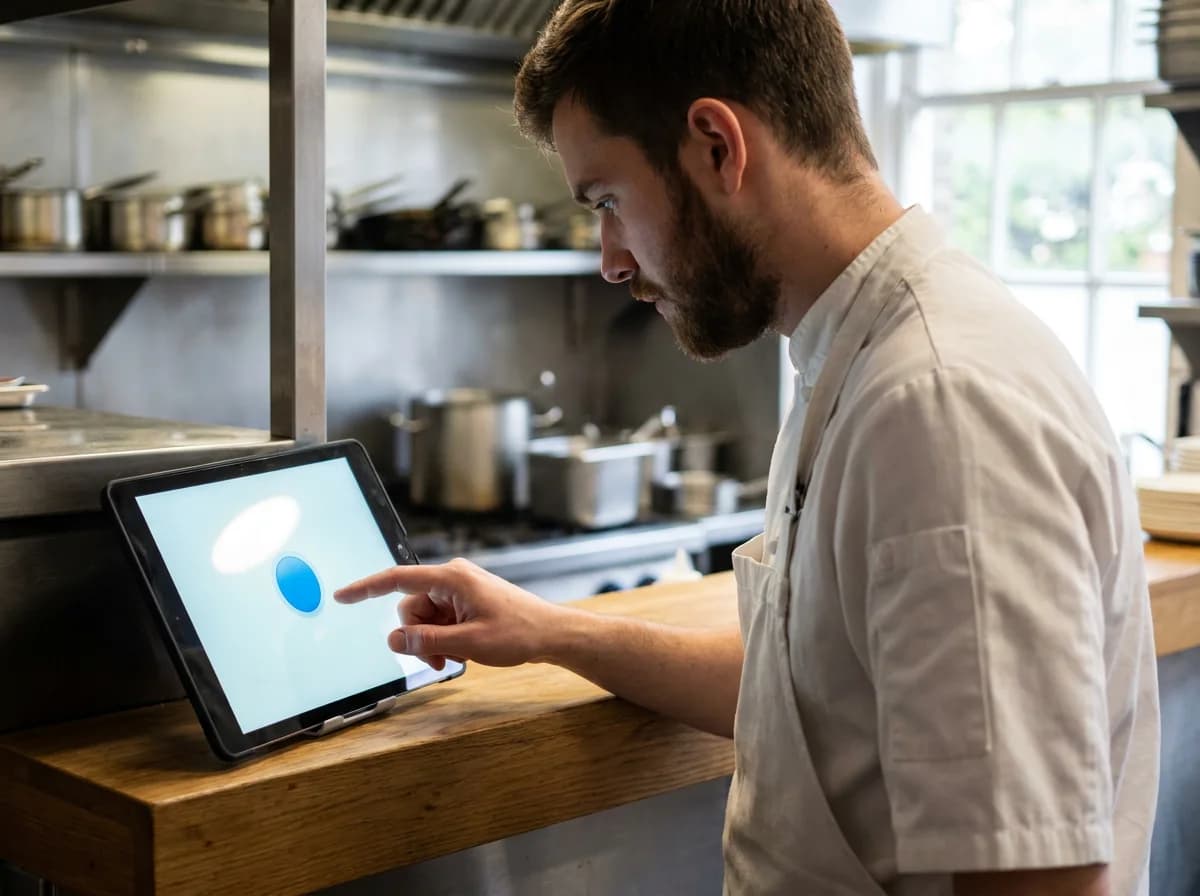
Break rules, overtime limits, and shift times at a glance, even when nobody sits at a desk.
Reliable hours for part-time staff, leave in hours if you like, and clean exports for payroll.
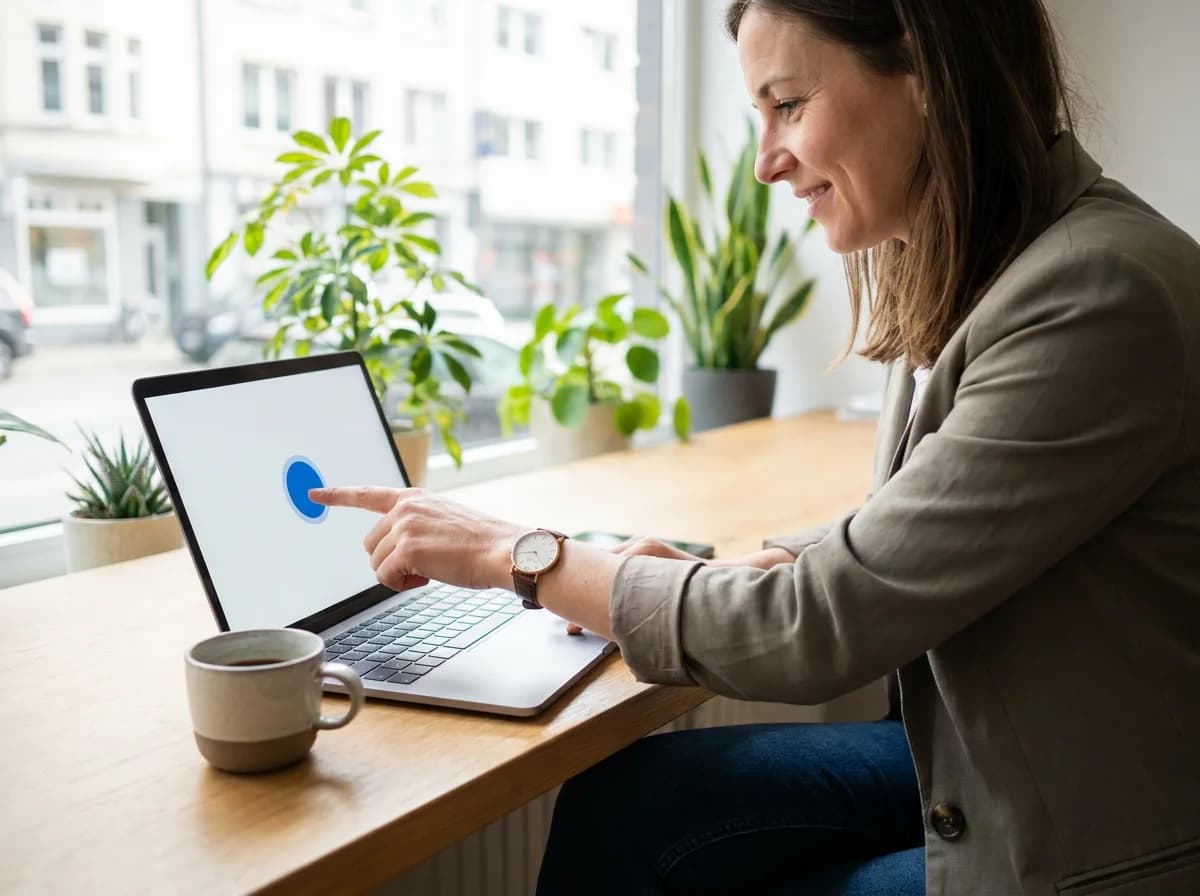
Clock in in the browser, at the office or at home. Everyone sees their own hour balance.
Your industry isn’t listed? In the demo we show you how Certondo fits your business.Book a demo
Ready in minutes
Register, add company details, and configure your sites.
Add employees, assign permissions, and define target hours.
Clock in via browser or tablet — reports are created automatically.
Support
Write to us right from the app or by email. A real person from our team replies, personally and usually within a few hours. And if a feature is missing, tell us: it’s usually in within 24 hours.
Trust & privacy
Working hours are personnel data. That is why they stay in Germany, every connection is encrypted, and we never pass on anything that belongs to you.
Hosted in Nuremberg, Germany
Certondo runs on Hetzner servers in Nuremberg. No US cloud and no third-country data transfer for operations.
GDPR compliant
Processing under GDPR, data processing agreement on request.
Encrypted
Every connection via TLS. Passwords are only stored encrypted (hashed).
Daily backups
Backed up and checked automatically every night, without interruption.
Your data belongs to you
Take times, absences, and balances with you as Excel at any time.
No tracking without consent
Advertising cookies only if you agree in the banner.
Questions about privacy or the data processing agreement? Write to us, we answer personally →
You choose how to start
Both are free and without obligation.
Create your company, invite your team, clock in. 14 days free, no credit card.
We show you Certondo live, tailored to your industry, sites, and team size. All your questions answered on the spot.
Good to know
Certondo is free forever for up to 5 employees. Beyond that you pay a fixed price by team size: Plus (6–25) 11 €, Pro (26–99) 49 €, Ultra (100+) 199 € per month, cheaper with annual billing. All features are included in every plan, and you test the first 14 days without limits.
No. Certondo runs in the browser, on PC, phone, and tablet. If you like, add Certondo to your home screen as an app, no app store required.
Yes. Any iPad or Android tablet becomes a time clock: open the page in full screen, employees type their PIN and clock in with one tap. No login, no extra cost.
On Hetzner servers in Nuremberg, Germany. Every connection is encrypted, and there is a backup every night. Processing under GDPR, data processing agreement on request.
Yes. Excel per employee with times, breaks, absences, and remaining leave, plus PDF for printing. For payroll there is a monthly DATEV LODAS file that you align once with your accountant.
Usually just a few minutes: create your company, invite the team, start clocking in. The “Setup” list shows what’s still missing, and a short tour shows the key places. Bring existing times over via CSV import.
Still have questions?
Write to us, we answer personally. Or we show you Certondo live in 30 minutes.
Start risk-free
No credit card. The trial ends automatically.